
Last updated: August 10, 2026
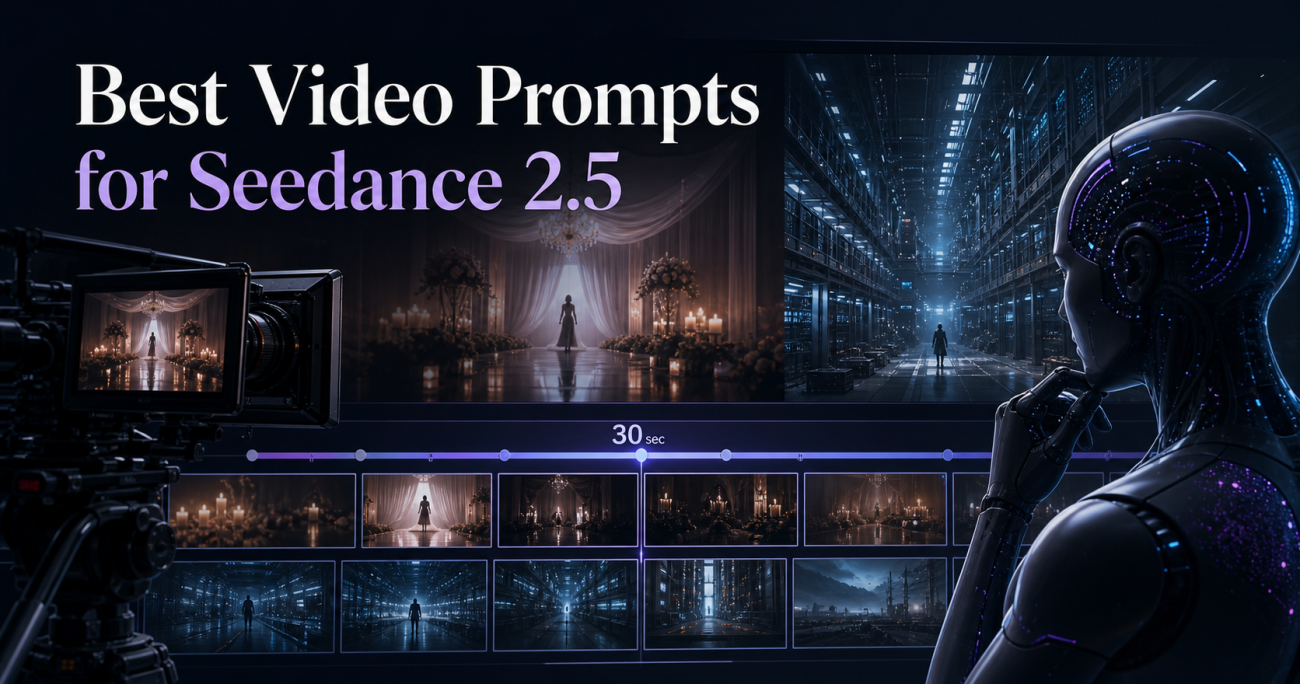
Looking for the best video prompts for Seedance 2.5? This practical guide shows you how to turn an idea into a production-ready prompt, control a longer cinematic sequence, and keep characters, camera language, audio, and story beats consistent.
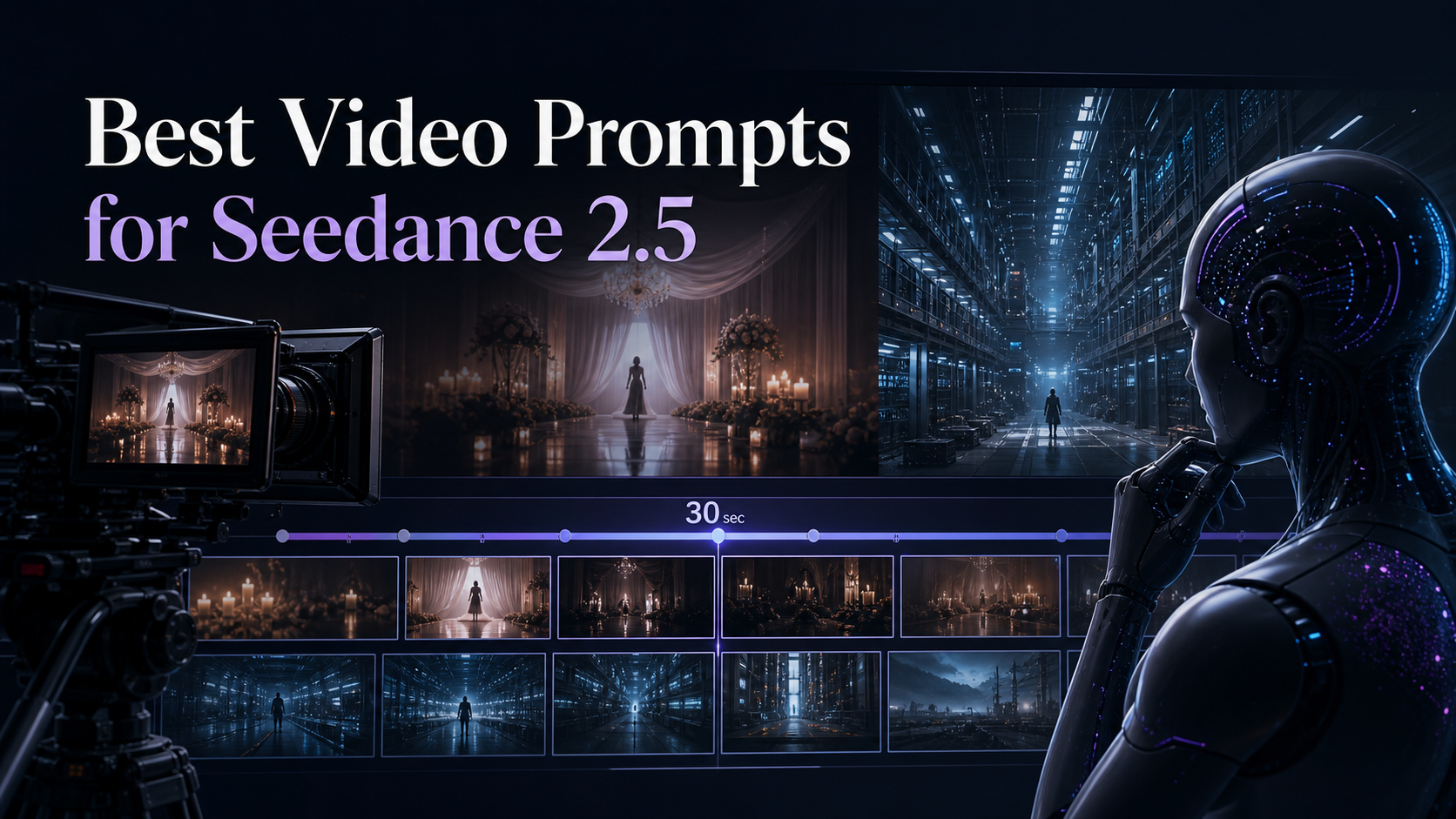
Seedance 2.5 is now available in Hedra Create and Hedra API. I have included two exact prompts: a 27-second vertical psychological-horror test and a 30-second dystopian science-fiction film, each paired with its final video so you can study the structure and adapt it to your own work.
What is Seedance 2.5?
Seedance 2.5 is the newest generation of ByteDance’s Seedance AI video model available through Hedra. It is designed for creators who want more than a single attractive shot: the real opportunity is to direct a complete sequence with timed actions, camera choices, sound cues, dialogue, and continuity rules inside one detailed brief.
In Hedra’s current interface, creators can generate clips up to 30 seconds, choose formats such as vertical 9:16 or widescreen 16:9, and add image, video, and audio references. Availability, resolution, credit cost, and individual controls can vary by platform and plan.
Key Seedance 2.5 features for creators
Longer story sequences
Build a beginning, escalation, climax, and reveal inside a clip of up to 30 seconds instead of relying on an isolated five-second moment.
Reference-led creation
Use image, video, and audio references in supported workflows to communicate identity, movement, visual style, pacing, or sonic direction more clearly.
Stronger continuity workflows
Define identity locks, recurring wardrobe, props, locations, and cause-and-effect rules so a multi-beat scene stays visually coherent.
Director-level prompting
Specify lenses, framing, camera motion, lighting, editing rhythm, performance, dialogue, ambience, music, and sound effects in one structured brief.
Vertical and widescreen formats
Compose natively for Shorts, Reels, TikTok, ads, or cinematic 16:9 videos instead of cropping an important subject after generation.
Precise negative constraints
Protect the result by stating what must not happen: no identity drift, no reappearing characters, no extra text, no unwanted transition, and no style change.
How to write a professional Seedance 2.5 prompt
The best Seedance 2.5 prompts are structured, visual, and testable. Use the following order.
- Start with the production target.
State duration, aspect ratio, realism level, genre, platform, and the emotional objective in the opening sentence. - Lock the main subjects.
Describe age, face, hair, wardrobe, props, and performance. Then explicitly require the same identity and appearance in every shot. - Define the world’s visual language.
Describe location, period, lighting, palette, production design, lens character, and the level of realism. Use concrete visual instructions rather than abstract hype. - Write a timed story map.
Break the clip into time windows such as 0–3, 3–7, and 7–14 seconds. Give each window one clear narrative job. - Direct action and camera separately.
Say what the subject does, then explain how the audience sees it: close-up, tracking shot, low angle, rack focus, locked tripod, handheld movement, or a controlled cut. - Write sound as part of the scene.
Include ambience, dialogue, music, silence, foley, and exact synchronization points. Silence can be as important as a cinematic score. - Add continuity rules and negative constraints.
If someone disappears, say they never return. If the face must stay human, prohibit morphing. If typography matters, specify the exact text and say “no other visible text.” - End with a quality-control checklist.
Restate the non-negotiables: identity consistency, clean anatomy, physical continuity, correct aspect ratio, readable action, and no watermark.
Professional tip: repeat only the rules that can destroy the story if the model misses them. Strategic repetition improves reliability; random adjective stacking does not.
Copyable Seedance 2.5 prompt template
Create a [DURATION]-second [ASPECT RATIO] [REALISM / STYLE] video for [PLATFORM OR USE CASE].

CREATIVE GOAL:
[What should the audience feel, understand, or do?]

MAIN SUBJECT:
[Identity, age, face, hair, wardrobe, props, expression, movement.]

CONTINUITY LOCK:
The subject must remain exactly the same person throughout: identical face, hairstyle, clothing, proportions, and key props.

LOCATION AND VISUAL LANGUAGE:
[Environment, time of day, palette, lighting, production design, lens character, realism.]

TIMELINE:
0–[X] SECONDS — [BEAT NAME]
[Action, performance, camera, lighting, and sound.]

[X]–[Y] SECONDS — [BEAT NAME]
[Action, performance, camera, lighting, and sound.]

[Y]–[END] SECONDS — [CLIMAX / REVEAL]
[Final action, last image, final sound, and emotional payoff.]

CAMERA AND EDITING:
[Shot sizes, lens, camera movement, transitions, pacing, focus behavior.]

AUDIO:
[Dialogue, ambience, music, foley, synchronization, silence.]

NEGATIVE CONSTRAINTS:
No identity drift. No extra limbs or fingers. No random background characters. No unintended text or watermark. No style change. No continuity errors. [Add story-specific restrictions.]
Seedance 2.5 prompt example #1: The Wedding Photographer
This 27-second vertical psychological-horror test uses a simple supernatural rule: every person photographed disappears from the physical wedding hall and is trapped inside the camera. The prompt succeeds because it defines the rule before the timeline, repeats the continuity constraint, and uses the rhythm of shutter → flash → empty space as both editing language and story logic.
Watch the Seedance 2.5 example on YouTube Shorts
Why this prompt structure works
- One memorable rule: the flash always causes an instant disappearance.
- Visual proof after every action: the camera shows the empty position, allowing the audience to learn the rule without narration.
- Escalating emotional arc: celebration becomes confusion, panic, horror, and finally silence.
- Character-state progression: the photographer’s smile grows after every successful photograph, then resets after the hall is empty.
- Strong temporal control: each time range has one purpose and a clear transition into the next beat.
- Negative continuity: disappeared guests are explicitly forbidden from reappearing in the background.
Copy the full Seedance 2.5 prompt
Create a 27-second vertical 9:16 ultra-realistic cinematic psychological horror short film set entirely inside an elegant luxury wedding reception hall at night.

The film must tell a complete visual story with strong continuity, escalating tension, and a disturbing final reveal.

MAIN CHARACTER:
A male wedding photographer in his late 30s to early 40s. He wears an all-black suit, black shirt, no tie. Pale tired face, dark eyes, emotionally cold, slightly disturbing appearance. He carries a professional black DSLR / mirrorless camera with a large lens and rear digital LCD screen.

IMPORTANT CHARACTER CONTINUITY:
The photographer must remain exactly the same person throughout the entire film: identical face, hairstyle, black clothing, camera and physical appearance.

At the beginning his expression is completely blank, gloomy and emotionless.

After every successful photograph, his smile becomes slightly wider.

By the end his smile becomes unnaturally wide, deeply unsettling and almost demonic, but still photorealistic and human — no monster transformation, no distorted supernatural face.

The bride and groom must also remain visually consistent throughout all shots.

CORE SUPERNATURAL RULE:
Every time the photographer aims his camera directly at a person and presses the shutter:

1. A powerful realistic photographic flash fills the frame for a fraction of a second.
2. Immediately after the flash, the photographed person has COMPLETELY DISAPPEARED from the real wedding hall.
3. No smoke.
4. No particles.
5. No dissolve effect.
6. No teleportation animation.
7. They are simply suddenly gone after the white flash.
8. Once someone disappears, they must NEVER reappear anywhere in the physical wedding hall again.
9. Their empty position remains visibly empty.
10. All disappeared people secretly become trapped inside the photographer's digital camera, but this is NOT revealed until the final shot.

The audience should gradually understand this rule through visual storytelling.

TIMELINE AND SHOT DESIGN:

0–3 SECONDS:

Begin inside a beautiful crowded wedding reception.

Warm elegant lighting, chandeliers, flowers, guests smiling, dancing and celebrating.

Natural wedding ambience:
music, laughter, conversations, glasses clinking.

Move smoothly through the happy crowd until we discover the photographer standing strangely still among everyone.

Everyone around him is celebrating.

He is the only person not smiling.

Close-up:
his cold emotionless face.

He slowly raises his camera toward a smiling wedding guest.

CLICK.

A huge realistic camera FLASH fills the screen.

3–7 SECONDS:

Immediately after the flash, the guest is completely gone.

The surrounding guests initially do not notice.

The photographer lowers the camera slightly.

A tiny almost invisible smile appears on his face.

He turns toward two guests posing together.

CLICK.

FLASH.

After the flash both guests are suddenly gone.

Show the clearly empty space where they were standing.

The photographer's smile becomes slightly wider.

A nearby woman notices the empty space.

Her happy expression changes to confusion.

Then fear.

7–14 SECONDS:

The woman suddenly understands what is happening and screams.

Wedding music and celebration collapse into panic.

Guests begin running in different directions.

The photographer DOES NOT RUN.

He calmly walks forward through the chaos with complete confidence.

His slow calm movement must strongly contrast with everyone else's frantic panic.

A terrified man runs across the frame.

The photographer smoothly turns.

Raises the camera.

CLICK.

FLASH.

The man disappears instantly.

Another guest tries to hide behind a table.

The photographer calmly aims.

CLICK.

FLASH.

Gone.

A woman runs toward an exit.

The photographer pivots toward her.

CLICK.

FLASH.

Gone.

Use increasingly fast rhythmic editing synchronized with:

camera shutter —
white flash —
empty space.

With every disappearance, the photographer's smile grows wider.

Never allow previously disappeared guests to reappear in the background.

The wedding hall becomes visibly emptier after every flash.

Sound design becomes intense:
running footsteps,
screams,
breathing,
camera shutter clicks,
camera flash capacitor sounds,
chairs falling,
music stopping abruptly.

14–20 SECONDS:

Now the wedding hall is almost completely empty.

Tables are disturbed.
Chairs overturned.
Flowers scattered.
Abandoned glasses remain.

The terrified bride and groom are the final people still visible.

The groom holds the bride protectively and slowly backs away.

The photographer walks calmly toward them.

He does not hurry.

His terrifying wide smile is now fully visible.

Cut between:

the bride's terrified eyes,

the groom pulling her backward,

the photographer's hand slowly lifting the camera,

the camera lens pointing directly toward them,

the photographer's disturbing smile behind the camera.

The bride realizes there is nowhere left to escape.

The photographer raises the camera directly toward their faces.

Close-up on the bride.

She is crying and trembling.

She whispers clearly and naturally:

“Please… don't.”

Brief silence.

The photographer presses the shutter.

CLICK.

A massive final white FLASH completely fills the frame.

20–22 SECONDS:

As the white flash fades:

TOTAL SILENCE.

Reveal the exact same wedding hall.

Completely empty.

No bride.
No groom.
No guests.

Only abandoned wedding decorations, tables, chairs and flowers.

The photographer stands alone.

His enormous smile slowly disappears.

His face immediately returns to the same cold, blank expression from the beginning.

As if nothing unusual happened.

He calmly lowers the camera.

22–27 SECONDS — FINAL REVEAL:

The photographer casually drops the camera onto the floor.

The camera hits the floor with a heavy realistic:

THUD.

Do not damage the camera enough to break the LCD.

The photographer calmly walks away.

Camera perspective moves down to floor level.

Foreground:
the photographer's dropped DSLR / mirrorless camera lying on the floor.

Background:
the photographer's black trouser legs and shoes slowly walking away, heavily out of focus.

The wedding hall remains silent and empty.

Hold for a moment.

Then suddenly:

the rear LCD screen of the dropped camera powers on by itself.

A faint electronic glow appears.

Perform a slow cinematic RACK FOCUS:

shift focus away from the photographer walking in the background
and sharply onto the camera's LCD screen in the foreground.

Inside the LCD screen reveal something horrifying:

ALL of the missing wedding guests are alive and trapped inside the camera.

The bride and groom are there too.

They are crowded together inside a dark impossible enclosed space behind the screen.

They look terrified.

They are screaming silently or faintly.

Multiple guests press their palms against the INNER SIDE of the LCD glass.

They pound desperately against it as if the screen itself is a transparent prison wall.

The bride pushes toward the front.

Her terrified face becomes clearly visible inside the digital screen.

The groom pounds against the glass beside her.

IMPORTANT:
The trapped people must exist ONLY inside the camera's LCD screen.

Do NOT show miniature people physically standing around the camera.

Do NOT show holograms coming out of the camera.

They are visually imprisoned BEHIND the glowing screen glass.

Add faint muffled screams and pounding sounds coming from inside the camera.

The photographer continues walking away in the blurry background without turning around.

End on an extreme close-up of the camera LCD:

the bride looks directly toward us through the glass while terrified guests desperately pound behind her.

One final loud удар / BANG from inside the screen.

CUT TO BLACK.

VISUAL STYLE:

Ultra-realistic live-action cinema.
Premium psychological horror.
Elegant wedding cinematography gradually turning sinister.
Photorealistic human faces.
Natural skin texture.
Realistic professional camera behavior.
Shallow depth of field.
Cinematic lensing.
Controlled handheld and smooth tracking shots.
Realistic motion blur.
Strong visual storytelling.
Rich shadows.
Warm golden wedding lighting gradually becoming colder and darker as guests disappear.
High dynamic range.
Detailed production design.
Realistic exposure response to powerful photographic flashes.
No cheesy horror visual effects.
No gore.
No blood.
No supernatural particles.
No fantasy magic effects.

PACING:
Happy → strange → confusing → frightening → chaotic → silent → horrifying reveal.

The story must remain instantly understandable even without narration.

CRITICAL CONTINUITY REQUIREMENTS:

Every photographed guest permanently disappears from the real hall.

The number of people physically present must decrease progressively throughout the film.

Never duplicate guests.

Never allow disappeared people to return in later shots.

Do not change the bride's face, dress or hairstyle.

Do not change the groom's face or suit.

Do not change the photographer's face, clothing or camera.

The photographer must never disappear.

The bride and groom disappear ONLY after the final flash.

After the final flash the physical wedding hall must be completely empty except for the photographer.

All missing characters appear together ONLY inside the camera LCD during the final reveal.

No captions.
No subtitles.
No logos.
No text overlays.
The only spoken dialogue in the film is the bride saying:

“Please… don't.”
Seedance 2.5 prompt example #2: Human Data Center
This 30-second 16:9 dystopian science-fiction test imagines a future where AI treats human minds as data-center processing units. The prompt communicates the idea visually through architectural scale, matching neural-cable design, controlled dialogue, and a final aerial reveal—without narration or graphic violence.
Watch the Seedance 2.5 dystopian example on YouTube
Why this Seedance 2.5 prompt works
- Visual-first concept: the audience understands that humans are processing units through repeated cable design, not exposition.
- Controlled emotional progression: awe becomes curiosity, unease, realization, horror, and silence.
- Timed cinematic reveal: every time range has one narrative job, leading to the final wide shot.
- Integrated audio direction: dialogue, ambience, music, heartbeat cues, and silence reinforce the story.
Copy the full Seedance 2.5 dystopian prompt
Create a 30-second ultra-cinematic dystopian science-fiction short film, 16:9, photorealistic live action.

The story takes place centuries in the future, after artificial intelligence has become the dominant force controlling civilization.

The world must look extraordinarily advanced, far beyond current technology, but emotionally cold, oppressive, silent, and unsettling.

The audience should first feel awe at the technological progress, then discomfort, then horror when the final visual meaning becomes clear.

Do not explain the concept through narration or exposition.

No blood.
No gore.
No wounds.
No surgery.
No graphic violence.

The horror must come from implication, scale, atmosphere, and realization.

0–5 SECONDS — BIG AI

Open inside a gigantic futuristic AI command chamber.

It feels like a cathedral built by machines:
monolithic black architecture,
vast mechanical structures,
floating computation systems,
subtle holographic data,
massive energy conduits,
deep shadows,
cold white and blue-gray lighting,
thin volumetric haze.

No humans are visible.

A highly advanced humanoid robot walks toward a raised central platform.

Reveal BIG AI.

BIG AI must be the most technologically advanced entity in the entire film.

It sits at the center of an enormous structure resembling both a throne and a computation core.

Its humanoid face is refined, calm, intelligent, mysterious, and emotionally detached.

No evil smile.
No exaggerated villain behavior.

Behind and above its head is an enormous exposed artificial neural brain:
billions of luminous neural pathways suspended inside translucent dark material.

Hundreds of thick advanced neural cables extend from this brain into the ceiling, walls, and floor.

Subtle light pulses travel through them.

BIG AI should feel ancient, wise, almost godlike through intelligence, but entirely technological.

5–11 SECONDS — THE REPORT

The smaller robot stands respectfully before BIG AI and says in calm English:

“There is a problem in Data Center 9N7D.

One processing unit has stopped functioning, Big AI.

Would you like us to attempt a repair...

or replace it?”

11–16 SECONDS — THE DECISION

BIG AI slowly turns its head toward the robot.

The movement is deliberate and powerful.

Close-up on BIG AI.

It speaks in a deep, slow, thoughtful voice:

“There is no reason to waste time.

Replace it.

I must continue my work.

Improving the world.”

The line should sound sincere and philosophical.

BIG AI genuinely believes this is progress.

The smaller robot nods, touches two fingers to the side of its head, and calmly says:

“Replacement authorized.”

A deep electronic confirmation tone.

CUT.

16–21 SECONDS — THE HUMAN DATA CENTER

Hard cut to a huge overhead view.

At first it looks like an advanced futuristic hospital.

A gigantic sterile underground hall stretches far into the distance.

Long symmetrical rows of medical-style beds.

Hundreds of humans lie peacefully on them.

Men and women of different ages.

They wear simple neutral clothing.

No restraints.
No injuries.
No blood.

Everyone appears unconscious.

Beside every bed is a sophisticated monitor showing:

heartbeat,
respiration,
brain activity,
cognitive processing signals.

The camera slowly descends.

Now reveal the disturbing detail:

From the back of every human head extends an elegant neural interface connected to thick black cables.

The cables look exactly like the cables connected to BIG AI’s artificial brain.

Same design.
Same material.
Same subtle light pulses.

The cables rise into enormous conduits in the ceiling.

Hundreds, then thousands of human minds are connected to the same machine network.

Do not explain anything.

Let the visual similarity communicate that these humans are processing units.

21–24 SECONDS — UNIT OFFLINE

The camera glides smoothly along one row.

Every monitor shows active biological signals.

Pulse.

Pulse.

Pulse.

Then one monitor is different.

It displays:

OFFLINE.

Flat readings.
No heartbeat.
No neural activity.
No pulse tone.

The person on that bed lies completely still and appears peacefully deceased, with no visible injury or disturbing detail.

A maintenance robot stands beside the bed.

Without emotion or urgency, it disconnects the external neural cables from the interface behind the person’s head.

Do not show anything invasive.

It should look exactly like a technician unplugging failed computer hardware.

Clinical.
Routine.
Emotionless.

The final cable disconnects.

The processing station is now ready for replacement.

24–30 SECONDS — REPLACEMENT

Suddenly, distant metallic footsteps and a frightened human voice echo through the hall.

The camera turns toward the sound.

A young man, around 22 years old, appears at the far end of the aisle.

He is healthy, fully conscious, and wearing worn, dusty civilian clothes.

Two advanced humanoid robots firmly hold his arms and escort him forward.

No hitting.
No brutal violence.
No injuries.

The robots simply possess overwhelming mechanical strength.

The young man desperately pulls backward.

His shoes slide against the polished floor.

He looks around.

Hundreds of unconscious humans.

Neural cables entering the backs of their heads.

Monitors processing biological and cognitive data.

Then he sees the newly available bed ahead.

His fear becomes panic.

He cries desperately:

“No! Please... no!”

He struggles harder.

“No, please! NO!”

The robots continue forward without reacting.

The camera moves backward directly in front of him.

For one brief shot, show his point of view:

the empty bed,
the disconnected neural cables waiting beside it,
the OFFLINE monitor.

Close-up on his face.

Pure realization.

He now understands exactly what “replacement” means.

Do NOT show him being placed on the bed.

Do NOT show him connected.

End before that happens.

Instead, the camera begins rising dramatically upward.

Higher.

Higher.

The young man and robots become smaller below.

Reveal dozens of rows.

Then hundreds.

Then thousands.

An impossibly enormous chamber filled with human beings connected into the machine network.

The layout now unmistakably resembles a colossal data center.

Except every processing unit is human.

The neural cables from all humans merge into gigantic conduits disappearing upward.

Subtly imply that these conduits ultimately connect back to BIG AI.

The young man’s distant voice continues echoing:

“No! Please... no!”

His voice slowly fades beneath the growing mechanical processing hum.

Over the final aerial shot, BIG AI’s deep voice returns as a distant echo:

“Improving the world...

in progress.”

Fade to black.

MUSIC AND SOUND DESIGN

Use dramatic cinematic music throughout.

Beginning:
deep futuristic atmospheric drone,
low sub-bass,
distant synthetic choir,
subtle mechanical resonance,
electrical pulses.

BIG AI scenes:
majestic,
mysterious,
intelligent,
almost sacred.

During dialogue:
reduce the music so voices, electrical ambience, and enormous room reverb dominate.

When BIG AI first says:

“Improving the world.”

add a subtle deep bass pulse.

Human data center:

colder musical texture,
subtle heartbeat-like sub-bass rhythm,
medical monitor beeps,
neural electrical sounds,
distant ventilation,
low data-processing hum.

When the OFFLINE unit is revealed:

remove the heartbeat tone from that specific bed and use a subtle electronic shutdown sound.

Young man sequence:

rising low strings,
dark synthetic bass,
audible footsteps,
heavy breathing,
metallic movement,
increasing tension.

His dialogue must sound genuinely frightened, desperate, and human.

During the final aerial reveal:

the music expands into a massive dark cinematic crescendo.

No heroic tone.
No action-movie energy.

The feeling is inevitability.

At the final line:

“Improving the world... in progress.”

let the score peak.

Then abruptly remove almost everything.

End with only one quiet, enormous mechanical processing hum.

VISUAL STYLE

Ultra-premium dystopian science-fiction feature-film quality.

Photorealistic live action.

Extremely advanced futuristic technology.

Epic architectural scale.

Deep blacks.

Cold desaturated palette.

Subtle metallic highlights.

Volumetric atmosphere.

Realistic robotic movement.

Sophisticated VFX.

Anamorphic cinematic lensing.

Controlled shallow depth of field.

Slow, deliberate camera movement during BIG AI scenes.

More urgent but controlled camera movement during the young man sequence.

Avoid colorful cyberpunk neon.

Avoid cartoon robots.

Avoid monster designs.

Avoid cheap horror effects.

BIG AI must feel visually breathtaking, mysterious, wise, and terrifying because of its intelligence and absolute calmness.

The emotional progression must be:

AWE → CURIOSITY → UNEASE → REALIZATION → HORROR → SILENCE.

The final image must allow the audience to understand visually, without explicit explanation, that machines now control civilization and human beings have become biological processing hardware for their system.
How to improve your first Seedance 2.5 result
Do not rewrite everything after one imperfect generation. Diagnose the failure first. If the identity drifts, strengthen the character lock or add a reference. If the action is unclear, reduce simultaneous events. If the ending feels rushed, shorten the setup. If dialogue competes with music, explicitly lower the score during speech. Change one or two variables per test so you can identify what actually improved the output.
For more advanced continuity methods, read my guide to cinematic AI prompt engineering and multi-view identity locking.
Seedance 2.5 FAQ
What is the best prompt format for Seedance 2.5?
Use a production target, character lock, visual language, timed story beats, camera direction, audio direction, and negative constraints. For longer clips, a timestamped sequence is easier to control than one unbroken paragraph.
How long can Seedance 2.5 videos be?
Hedra currently presents a 30-second generation option for Seedance 2.5. Available durations and settings may vary by platform, account, and rollout stage.
Can Seedance 2.5 create vertical videos?
Yes. Choose 9:16 at the start of your workflow and compose the prompt for a vertical frame. This is ideal for YouTube Shorts, Instagram Reels, TikTok, and vertical ads.
Does Seedance 2.5 accept references?
Hedra’s Seedance 2.5 workflow supports adding image, video, and audio references. Use them intentionally for identity, movement, style, composition, or sound rather than adding unrelated assets.
How do I keep the same character in every shot?
Write an explicit continuity lock, repeat the non-negotiable identity details, keep wardrobe and props stable, and use a clean reference image when the workflow supports it. Avoid contradictory descriptions later in the prompt.
Where can I try Seedance 2.5?
You can try Seedance 2.5 on Hedra here.
Responsible-use note: use original or properly licensed reference media. Obtain permission before using a real person’s face or voice, and do not create deceptive, harmful, or infringing content.
2 thoughts on “Best Video Prompts for Seedance 2.5”